The real machine's program
The 1996 ROM, running
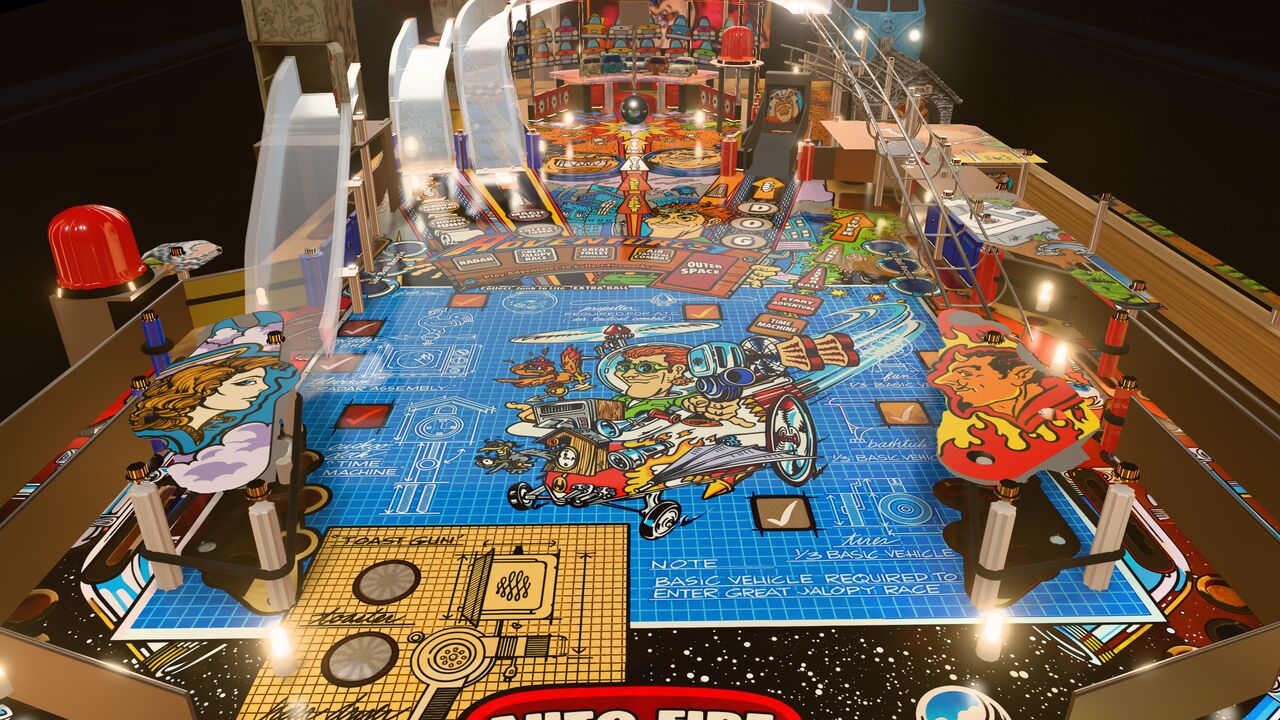
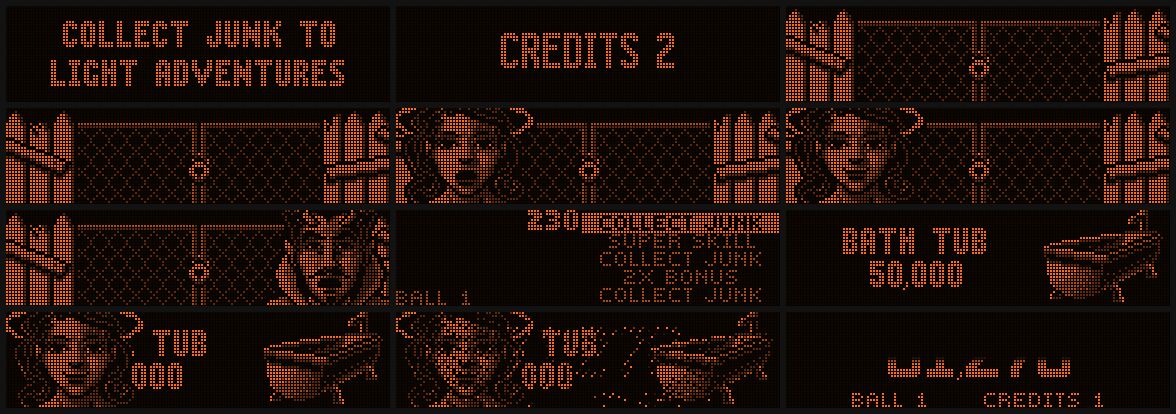
What you play is Junk Yard's own software, game version 1.2, and its sound board, emulated in your browser. They drive our 3-D table: the flippers, coils, lamps and flashers, the dot-matrix display and the sound. The rules, the scoring, every animation, the speech and "Money" are the ones Williams shipped.
It keeps its own high scores, audits and settings in your browser and starts on free play. It works like the real thing too: coin door, service menu and all.
The emulator runs on its own thread in the background, so the table stays smooth.
Graphics
Play it on Ultra
Ultra is the recommended way to play on a capable device: a desktop or laptop with a decent graphics card, an Apple Silicon Mac, or a recent phone. It adds soft shadows, reflections in the playfield's clear-coat and the sharpest version of the remastered playfield.
On other devices, the standard levels keep the game smooth. You can change the level any time in the pause menu (P or Esc → Graphics), and it switches live, without a reload (only Low needs one).
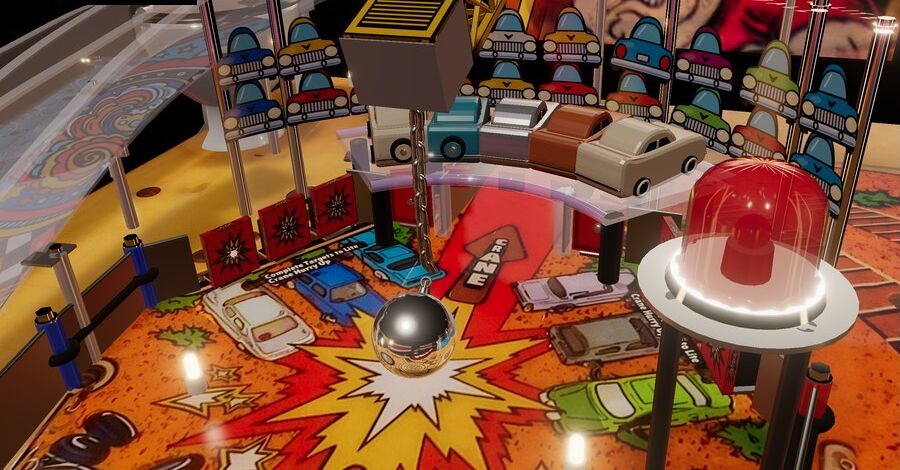
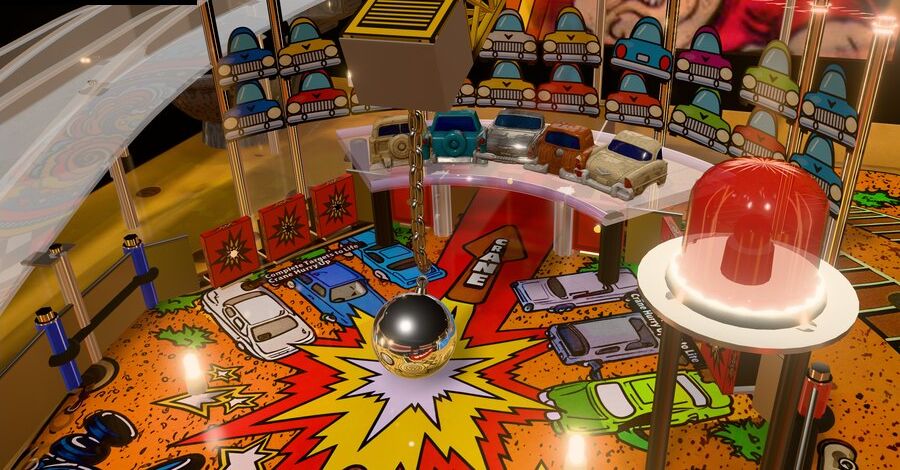
Everything you see is drawn live by your graphics card: the reflections in the ball and the clear-coat, the flashers, the wrecking ball on its chain.
| Level | For | What you get |
|---|---|---|
| Auto | Everyone | Picks the level for your device, and lowers the resolution a little if the frame rate drops (and raises it again). |
| Low | Phones and older laptops | Lighter lighting, no glow or live reflections. Keeps the game smooth. |
| Medium | Tablets, small laptops | Glow on lights and flashers, reflections on the ball, anti-aliased edges. |
| High | Most laptops and desktops | The full-resolution remastered playfield, anti-aliased, live ball reflections, the photo-modelled toys. |
| Ultra Recommended | Capable desktops, laptops and recent phones | Soft shadows, reflections in the playfield's clear-coat, the extra-sharp playfield (streamed in while you play), the most detailed toys, full resolution. |
Controls
Keyboard, touch or gamepad
Keyboard
| Left Shift Right Shift | Flippers (also A L) |
| Enter or ↓ | Hold to pull the plunger, release to launch |
| 1 or S | Start a game, add a player |
| Z / Space | Nudge left, right, forward |
| P or Esc | Pause and settings |
| C | Change camera |
| M | Sound on or off |
| H | Help |
| B | Demo mode: a robot plays |
| 5 · End · 7 8 9 0 | Coin · coin door · service buttons (Escape, −, +, Enter) |
Touch
| Left / right half of the screen | Hold for the flippers (both at once is fine) |
| LAUNCH, bottom right | Hold to pull the plunger, release to launch |
| START, bottom left | Start a game, add a player |
| Swipe up high on a side | Nudge the table that way |
| ❚❚ and ? | Pause and settings, help |
Gamepad
| LB or LT · RB | Left · right flipper |
| RT (hold) | Plunger |
| A or Start | Start, add a player |
| Left stick flick | Nudge |
| B | Pause |
Most controllers with the standard layout (Xbox, PlayStation and similar) work in current browsers.
Before you play
Good to know
- Sound starts after your first click or tap. Browsers don't allow sound before that.
- On a phone, hold it upright. The game shows the whole table in portrait and the classic player's view in landscape. C or the settings change the camera.
- The plunger matters. The spinner at the top of the shooter lane moves the skill-shot award. A soft plunge is a skill.
- High scores stay in your browser, like the ones on a real machine stay in its memory.
- New to Junk Yard? Read the rules guide first, or press B and watch the robot play.
First game plan
- Soft plunge for Collect Junk.
- Shoot the toilet ramp when Choose Junk is lit, then the bus ramp.
- Bash the wrecking ball into the cars until MULTIBALL is spelled, then shoot the centre.
- Build an invention and start its adventure at the sewer.
A fan tribute. Free and non-commercial. Junk Yard, its artwork, sounds and program belong to their owners; see credits & legal.